AI-Assisted Programming with Claude Code: Getting Started
Discover how to use Claude Code for serious development work—and why quality AI-assisted programming requires investment, realistic expectations, and strategic planning.
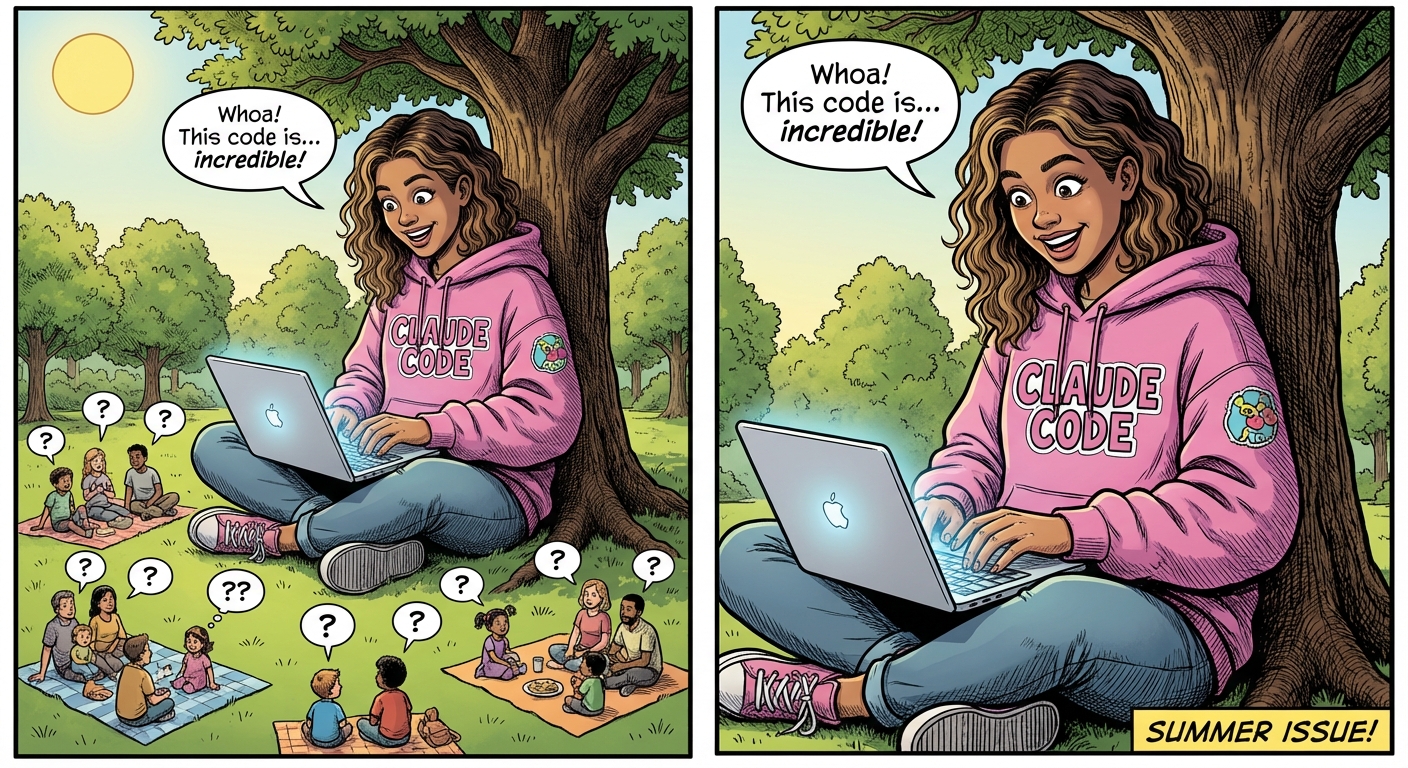
🚀 Getting Started with AI-Assisted Programming Using Claude Code
AI-assisted programming has evolved from a shiny novelty into a genuine game-changer — and Claude Code stands out as one of the most powerful options you can use right now. Whether you’re a seasoned developer ready to supercharge your workflow or a non-technical founder burning to bring your idea to life, this guide will walk you through the practical steps of getting started with the Claude Code desktop application — and set you up with realistic expectations so you can hit the ground running. 💪
💰 Let’s Talk About Cost: Quality Isn’t Free
Before we dive in, let’s tackle something most online guides conveniently skip over: getting genuinely great results from AI-assisted programming requires a financial investment. You’ll find no shortage of content creators promising you can build full applications for free — but here’s the honest truth. Free tiers and trial credits? They’re perfect for experimenting and getting your feet wet. But the moment you start working on a real project, you’ll slam into usage limits that kill your momentum dead in its tracks. 🛑
A Claude Pro or Max subscription unlocks the sustained access and higher usage limits you need for serious development work. Think of it like any other professional tool — you wouldn’t rely on free cloud hosting, a free design suite, or a free IDE to carry you through production-grade work forever, right? So budget for a monthly subscription and treat it as a smart investment in your productivity. The hours you’ll save and the quality of output you’ll get in return will more than pay for themselves. ✅
👉 Bottom line: Expect to spend, plan for it, and you won’t be caught off guard when the free credits vanish at the worst possible moment.
💬 Start with a Conversation, Not Code
Here’s where things get exciting — and where beginners often gain an unexpected advantage! One of the most powerful features of working with Claude Code is the ability to create a CLAUDE.md file. Don’t let the technical-sounding name intimidate you — it’s simply a project-level instruction document (like a brief or a set of notes) that Claude references throughout your entire development session. Think of it as a living roadmap 🗺️ that keeps Claude aligned with your vision, your preferences, and your constraints.
But here’s the critical insight most beginners miss: don’t try to write your CLAUDE.md from scratch by yourself.
Instead, do something that feels natural — have a real conversation with Claude about your project first. Open the desktop application, take a breath, and before writing a single line of code, describe your project in plain, everyday language. Talk about:
- 🎯 What problem you’re solving and who it’s for
- 👤 What the application should do from a user’s perspective (what should people see, click, experience?)
- ⚠️ Any constraints you’re aware of (budget, timeline, where you want your app to live online)
- 📊 Your experience level — be honest! This helps Claude calibrate its explanations so they actually make sense to you
As you discuss these details, ask Claude to help you draft the CLAUDE.md file together, collaboratively. Claude will synthesize your conversation into a clear, structured document that captures your project’s goals, architecture decisions, coding standards, and key requirements. 🏗️
Why does this matter so much? Because this collaborative approach produces a dramatically better CLAUDE.md than anything you’d write cold on your own. The back-and-forth dialogue surfaces hidden assumptions, uncovers edge cases you hadn’t considered, and forces clarity on decisions you might have left vague. It’s like having a senior developer sit down with you and ask all the right questions — before a single line of code gets written. ✨
🔑 Remember: You don’t need a programming background to have this conversation. If you can describe what you want your app to do in plain English, you’re already equipped to take this first — and most important — step. Start talking. Let Claude guide you. And watch your project take shape faster than you ever thought possible.

Madalin
AI integrator🚀 Senior Architect | SRE & Database Expert | AI Orchestrator 👋 Building the future at the speed of thought. ⚡️ I don't just write code; I architect high-performance, bulletproof ecosystems. With a foundation in Systems Engineering and a mastery of Go and TypeScript, I bridge the gap between heavy-duty backend reliability and seamless, high-conversion frontends.
Continue the conversation
If this article reflects the challenges your organisation is navigating, explore more practical guidance across Madalin.